
Does your small business need a label printer with a cutter?
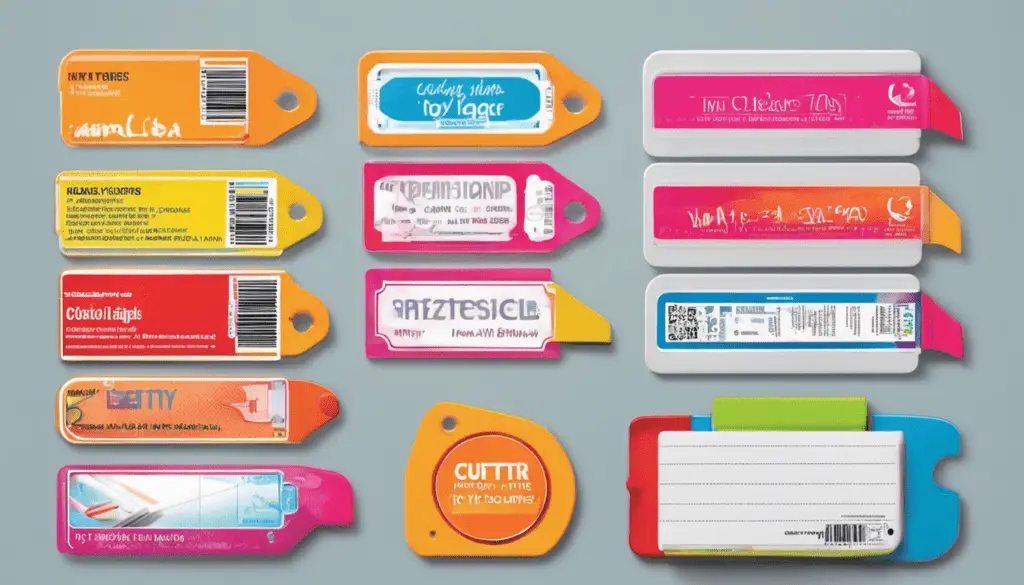
Before buying a label printer with a cutter, put one week’s labels on the table. Are they all the same shipping rectangle, or do you switch between short shelf labels and long product descriptions? A cutter is useful when the length needs to change. If every label is already cut to size on its backing, it may solve a problem you don’t have.
Three different cutting jobs
Pre-cut labels come on a liner in a fixed size and shape. The printer advances one label at a time. With continuous stock, a straight cutter trims the printed strip to length. Some printers include automatic cutting, while others have a manual cut or tear-off arrangement. A contour cutter follows an outline around an illustration. That is a separate job from cutting a rectangular strip across its width.

Compare supported media widths, roll sizes, connection to your order system and the stock you’ll need to keep on hand. Brother, DYMO and Zebra each have different product families. Check the exact model and media combination for the features that matter instead of choosing by brand alone.
Add up the routine costs as well as the equipment price. If every order uses the same label, pre-cut stock may save handling time. If each shelf or container needs a different text length, continuous stock may reduce the number of different sizes on your shelves. Include time spent changing rolls and dealing with misfeeds.
Take your smallest label, your most common one and the longest one to a demonstration if possible. Print from the software you’ll actually use. For colourful product artwork with a special outline, compare the result with an externally printed contour-cut label before buying equipment for a job you’ll only do occasionally.


