
Five things to check before printing packaging labels
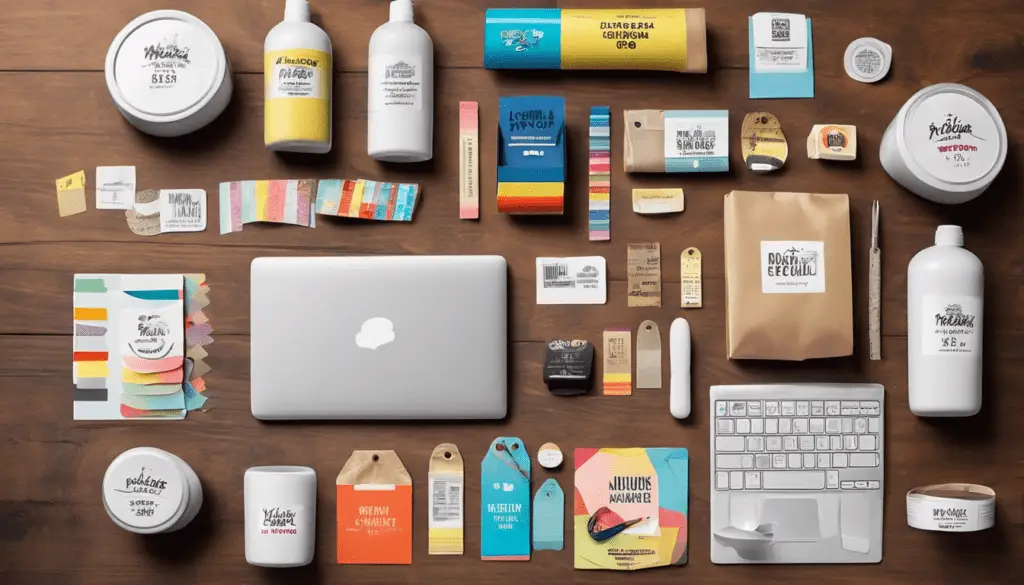
Take an empty pack off the shelf before you start designing its packaging labels. A label that’s perfectly square on screen may sit across a crease on a box or wrinkle around the shoulder of a bottle. The real container tells you where the design can go and how someone will hold it while reading.
First, measure the flat or gently curved area you can actually use. Second, look at the conditions. Dry paper packaging, a chilled jar and a bottle repeatedly handled with damp hands call for different material and adhesive choices. If in doubt, try a sample on the filled pack and handle it the way a customer would.

Third, arrange the information in the order someone needs it. The product name and variant should be easy to spot. Smaller details still need enough contrast to read. Fourth, check the wording against the current approved product information. Compare the variant, quantity, instructions and any barcode on the proof with the intended item. Make sure the code still scans when the label is on the pack.
Finally, give each approved version a clear file name and record which pack it belongs to. A small change to a recipe or size can leave two very similar files on your computer. Keeping the print date, artwork version and quantity together makes the next order quicker and reduces the chance of printing an obsolete label.
Check what changes between batches
Will someone write a batch number or price on the sticker after it is applied? Try the actual pen on the sample and let the mark dry. Run a finger over it and check it again after the pack has been handled. If customers reuse the container, test how the label comes off as well. A self-adhesive label that is right for a one-way carton might leave an unwelcome mark on a returnable jar.
Send our sticker printing team a photo of the packaging, the finished label size, the quantity per version and the environment in which it will be used. A proof on the real pack is much easier to assess than a design floating on a white screen.


